
Free and Easy Way to Sync Your Local Folder to Cloud Drives Folder (Mount to Local then Sync)
My OneDrive has 5T storage and always thinking how I could use them well to stoare my files and share with others. It is a bit problem to sync certain folder with my local drive , especially cross multiple OneDrive accounts, and other cloud drives. I started to try some of alternatives from Microsoft native OneDrive program since the limitation I met.
There are a couple of software I have tested or took a quick look, here are some of my comments (WIP):
2. https://mountainduck.io/ - Trial and not installable for my Windows 10
For free MS265 and OneDrive, here are some related posts:
- MS 365 E5 Advanced Usage: Renew Subscription, One Drive Upgrade to 5T & Create Catch All Exchange Mail Rule
- Add Your Own Domain into Free Microsoft 365 Subscription
- Methods to Renew Free Microsoft 365 Developer E5 Subscription
- Get Free Office 365 with E1 / E3 Subscription! Hurry to Get Before Offer Gone!
- Free Microsoft Deal:0$ for 10 User Microsoft 365 Business Basic (No Credit Card)
For Sharing your OneDrive or Cloud Drive to the world, here are some:
- Use Cloudflare Workers with Rclone to Deploy A Cloud Drive Index & List App - OnePoint
- OpenList - A New Open Source and Self Hosted Multiple Storage Management Tool to Replace AList [Docker & Other Deployment Methods]
- [5 Mins Docker] A Free File List App for Multiple Cloud Storages - Alist
- Alist / OpenList Advanced Usages
- Create New Client ID& Secret in OneDrive and Google Drive & Get Refresh_Token Using Rclone
- OneManager - Deploy a free OneDrive List App using Heroku and Cloudflare
- Fast OneDrive Index - A Serverless OneDrive Index Setup
- Using Cloudflare Workers to Deploy Free Google Drive Directory Indexer in 5 Minutes (GoIndex)
ExpanDrive


- Amazon S3
- SFTP
- FTP
- Box
- Dropbox
- Google Drive
- IDrive e2
- Nextcloud
- OneDrive
- SharePoint
- Wasabi
- WebDAV
- and more...
FreeFileSync
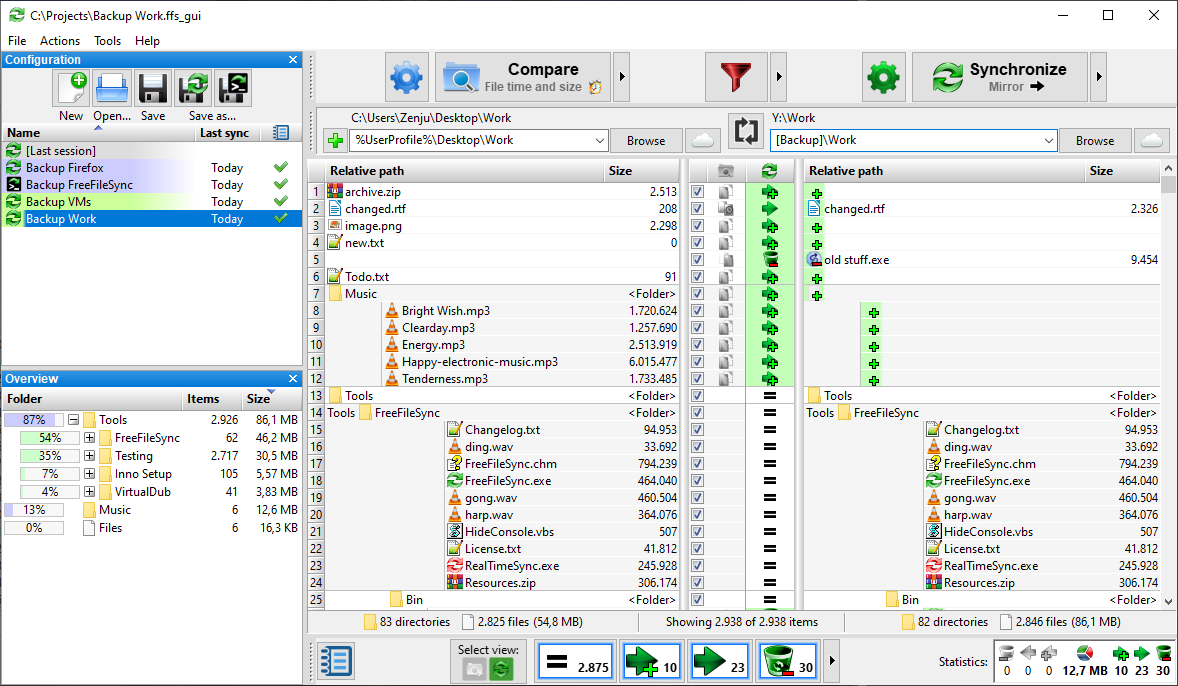
- https://freefilesync.org/tutorials.php
- https://freefilesync.org/manual.php

- Change comparison settings
- Start comparison
- Include/exclude specific files
- Change synchronization settings
- Start synchronization
- Add folder pairs
- Select left and right folders
- Save/load configuration
- Tree overview panel
- Preview synchronization
- Select categories to show on grid
- Synchronization statistics
CyberDuck
Pro:
1. Set up is simple
2. Speed is faster
2. Support multiple cloud storage
Con:
1. Not able to mount it as a drive to system
2. Not easy to configure sync
Upload / Download / Sync

For OneDrive:

Throttled Messages

Preference:

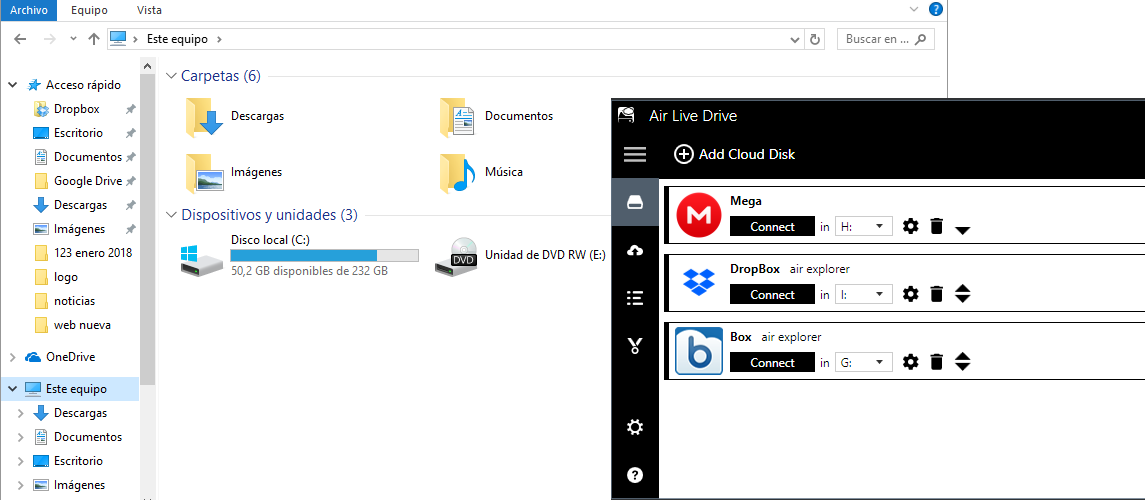
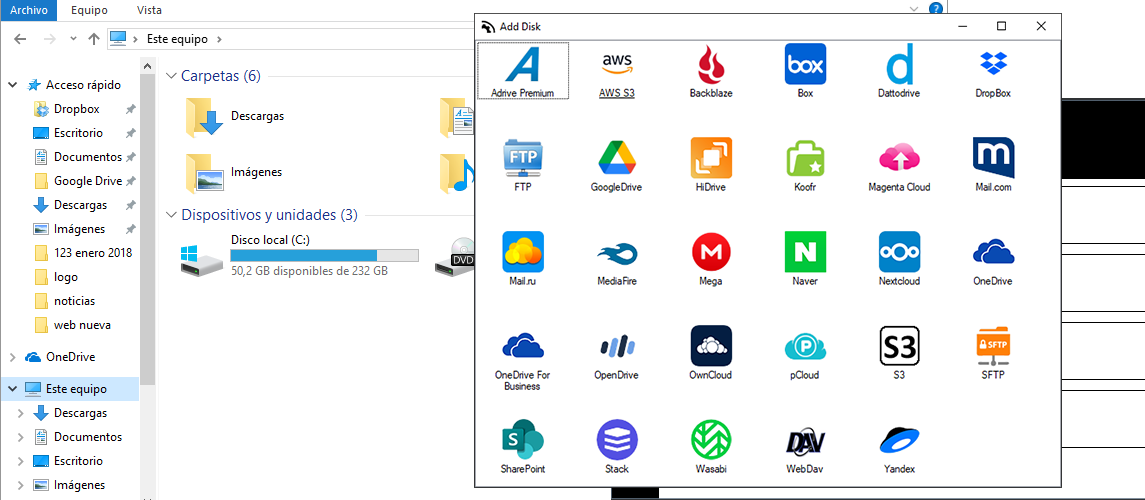
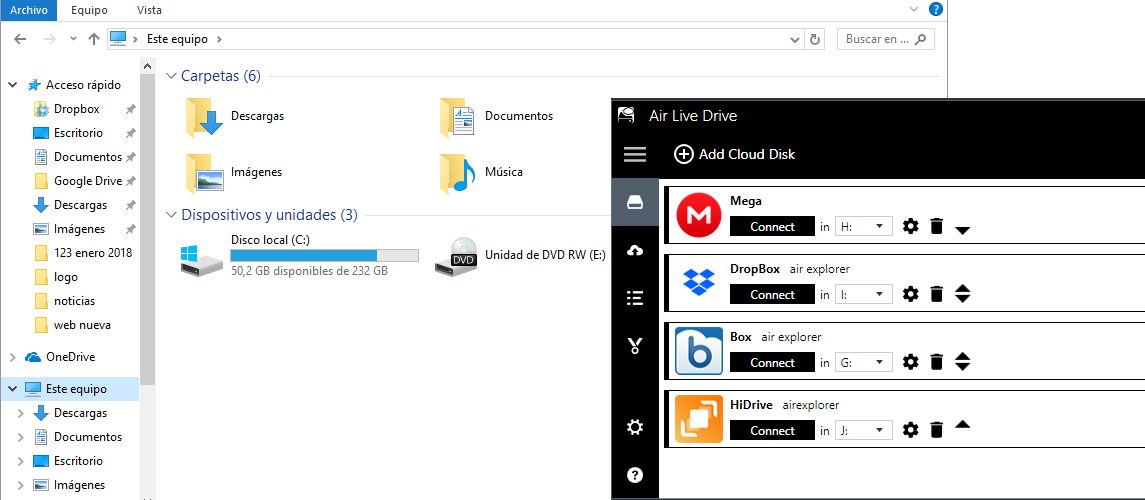
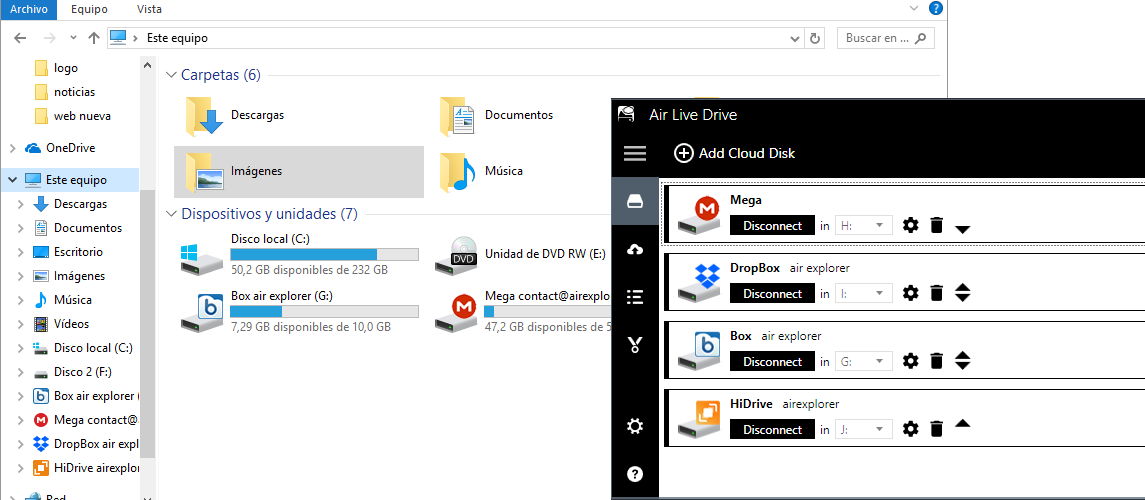
Air Live Drive
Air Live Drive will need license for OneDrive for Business.
共有 0 条评论